
Activate your free trial before the call
Create your account and use the included time to feel the workflow before you commit to a paid pack.
ApplicantAlly • workflow
Set context before the call, use the right response mode while the interview is moving, and come back to the session afterward with your history intact.
Works alongside Google Meet, Zoom, Microsoft Teams, and most popular interview platforms.
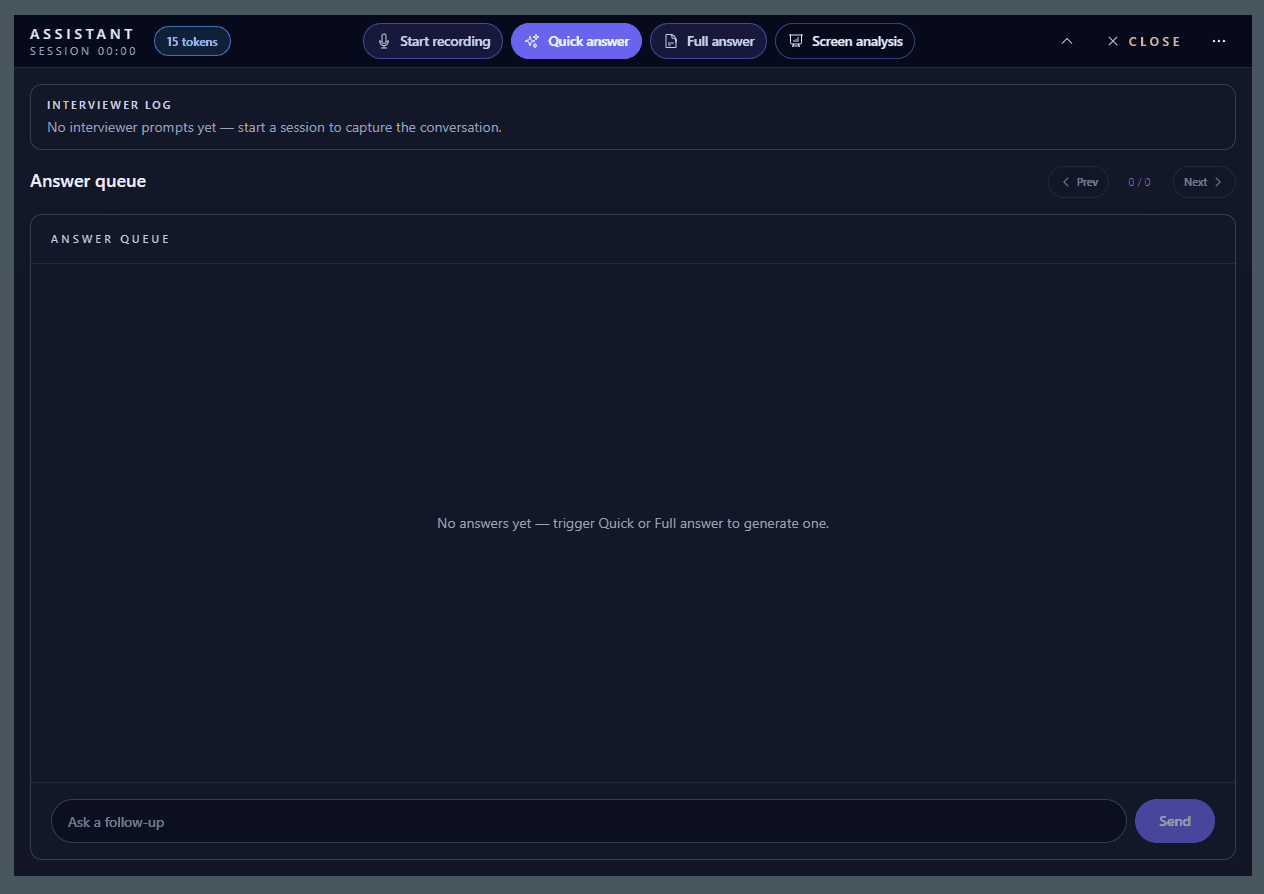
Workflow
This page exists to make the product concrete: how you start, what the assistant uses, and what remains useful after the call ends.
Create your account and use the included time to feel the workflow before you commit to a paid pack.
Ground the assistant in your background, target role, and preparation so the support stays credible.
Switch between Quick, Full, and Screen modes depending on how much structure or detail the moment needs.
Return to saved answers and session history so the next round starts with better context than the last one.
Relevance
ApplicantAlly becomes more useful when it can react to the live conversation, your background, and what is visible on screen.
The assistant reacts to the interview conversation as it develops instead of treating each answer as isolated.
Resume context keeps suggestions closer to your own experience, projects, and role history.
When the task, case, code, or document is visible, Screen analysis can respond to what is actually in front of you.
Earlier turns, follow-ups, and shifts in the conversation are easier to handle when the session carries context forward.
Modes
The point is not one rigid answer format. It is getting the right amount of help without losing your own voice in the interview.
Shorter guidance that helps you answer quickly without overloading the moment.
A more developed answer that uses more of the interview context when the question needs structure.
Support that reacts to the visible prompt, task, document, code, or UI on your screen.
Why this matters
ApplicantAlly is built to give you usable structure and talking points that you can adapt naturally, not phrases you have to memorize or read back verbatim.
Control
Availability matters, but so does control. The assistant should stay ready when you need it without becoming the center of attention on your screen.
The assistant is designed to stay on your side of the interview experience while the call is live.
Start, stop, trigger Quick / Full / Screen, and adjust transparency without breaking your flow.
The app is designed to stay discreet while you are presenting, speaking, or navigating the call.
The goal is to give you usable structure and talking points, not make you sound like you are reading AI text back.
After the call
The value is not limited to the live moment. The session record makes it easier to review what happened and prepare for the next round.
Interview sessions stay available afterward so you can return to what happened instead of rebuilding context from memory.
Generated answers remain part of the session record, which makes it easier to review what helped and what still needs work.
The post-interview review becomes more practical because the important moments, prompts, and answers are already in one place.
Start with the free trial first. Move to a paid pack only if the live support proves useful in a real interview situation.